Positive Exposure | Museum
Making Physical Accessibility Visible Online: Designing Accessibility Information for Wheelchair Users
UX Research
Accessibility
My Role
UX Researcher
UI Designer
Project Manager
Team
UX Researcher
UI Designer
Editor
Deliverables
Key Findings
Recommendations
UI Design Mockup
Timeline
2026.03 - 2026.05
Contributions
👣 Conducted field research
Visited Positive Exposure in person to observe the physical space and cross-reference what we found on-site against what was available online.
🔍 Identified the core gap
Analyzed sources of wheelchair users' lived experiences to uncover the gap between what users need and what Positive Exposure provided.
💡 Proposed the pivot
Recognized that the gallery was already accessible and proposed a pivot to the digital information gap that prevents users from visiting.
🎨 Designed the accessibility page
Designed the "Accessibility" page with information on "Limited Mobility", connecting design decisions directly to research findings.
About the Client
Positive Exposure (as shown in Figure 1) is a nonprofit gallery in NYC dedicated to celebrating human diversity through art, with a particular focus on the lives and experiences of people with disabilities. The gallery actively welcomes visitors of all abilities and hosts exhibitions, programs, and events that center on disabled artists and their stories.
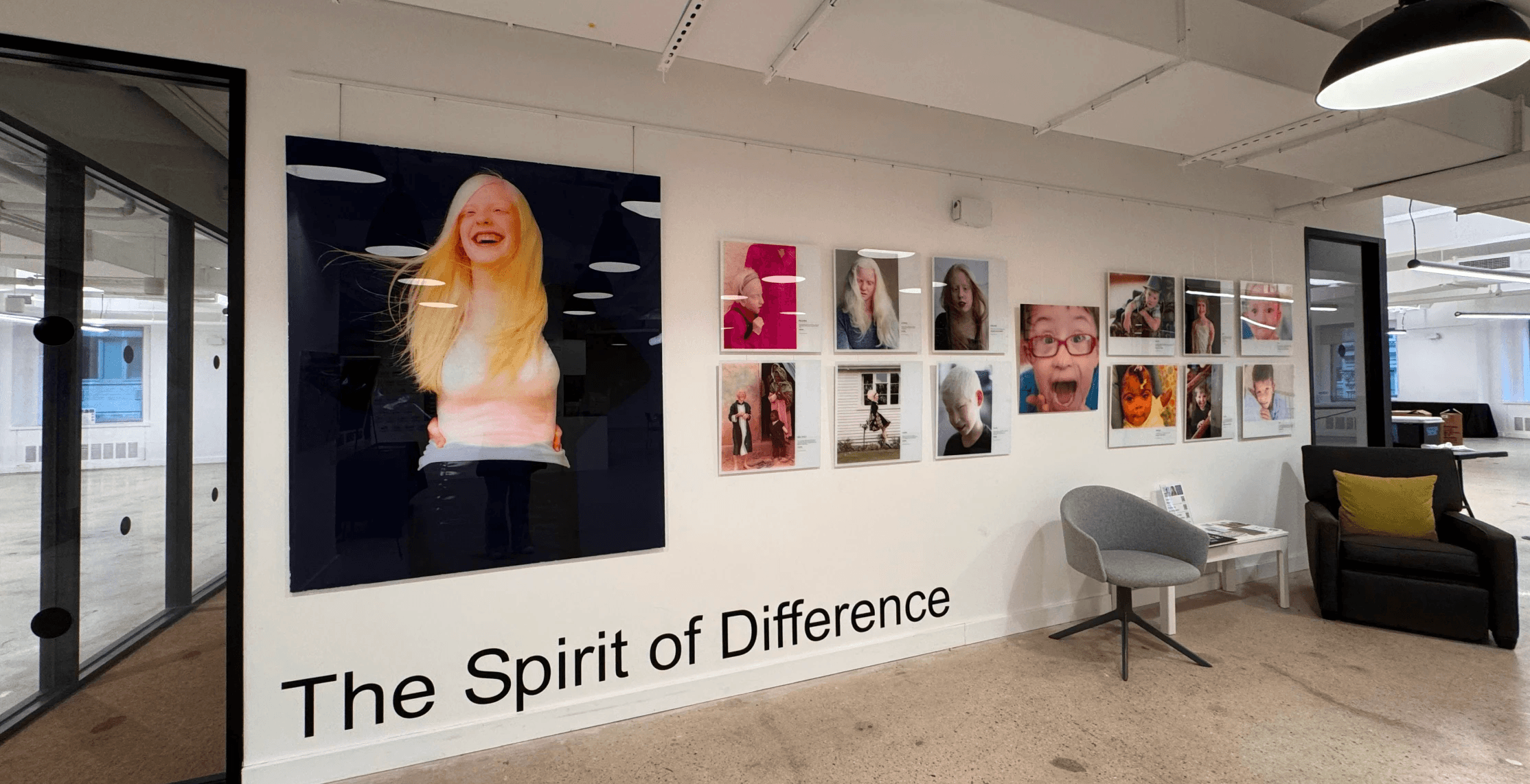
Figure 1: The …….
Target User
Wheelchair users are the most affected by physical accessibility barriers, making them the primary group within the mobility disability community. For this project, we focused specifically on first-time wheelchair users visiting Positive Exposure as gallery guests.
Problem Statement (Accessibility Critique)
Wheelchair users depend on detailed accessibility information to plan visits with confidence. Without it, the decision to visit a new place becomes a risk. Positive Exposure did well on physical accessibility within the gallery, but the accessibility information was hard to find online, which discouraged wheelchair users from visiting the gallery.
Project Objective
Research Overview
We began with an assumption: the biggest accessibility challenge for wheelchair users at Positive Exposure would be inside the gallery. To verify the assumption and come up with solutions, I set up five research steps to gain a comprehensive understanding of the wheelchair users' experience, the current state of the "Positive Exposure", and the accessibility challenges wheelchair users might encounter within the gallery.
Secondary Research
Navigate to the gallery
Accessibility = First threshold
Users may give up visiting if accessibility information is unclear or missing.
“Wheelchair users may decide not to visit an area if there is a lack of accessibility information” (Evcil, 2018)
"You have to do research about where you want to go, what you want to do." Sarah Funk, wheelchair user and NYC accessibility documentarian (Funk, 2023)
Navigate in the gallery
Crowds create hidden barriers
Crowds block visibility and movement, making navigation unpredictable.
“Quote"
Navigate in the gallery
Accessibility should be the default
Accessible routes should be integrated into the main experience, and we should not treated as an extra option.
“Quote"
Website Audit
Positive Exposure's Website
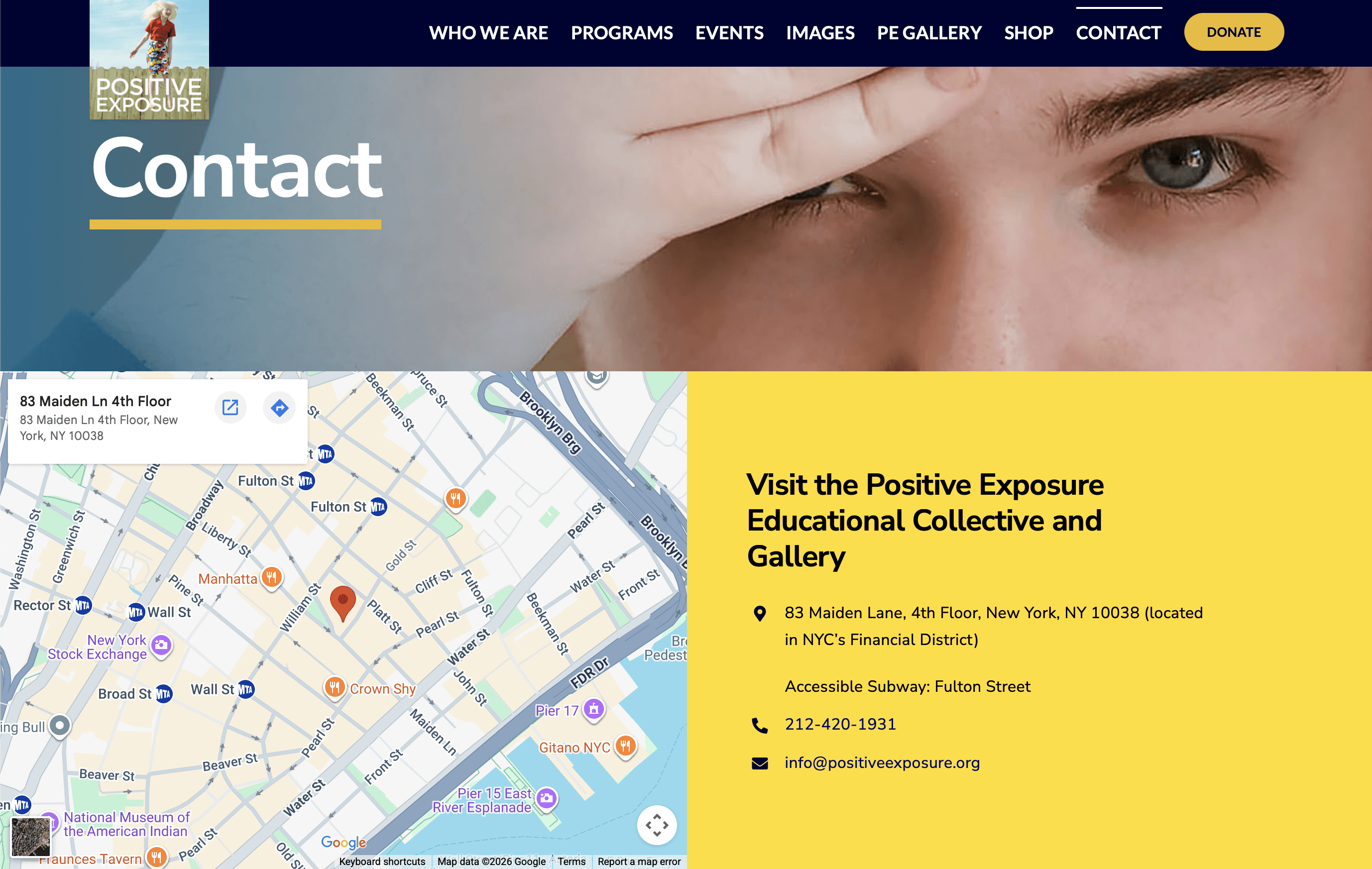
Figure 1: The homepage of Positive Exposure's website
Findings from the website
XXXX
Google Maps
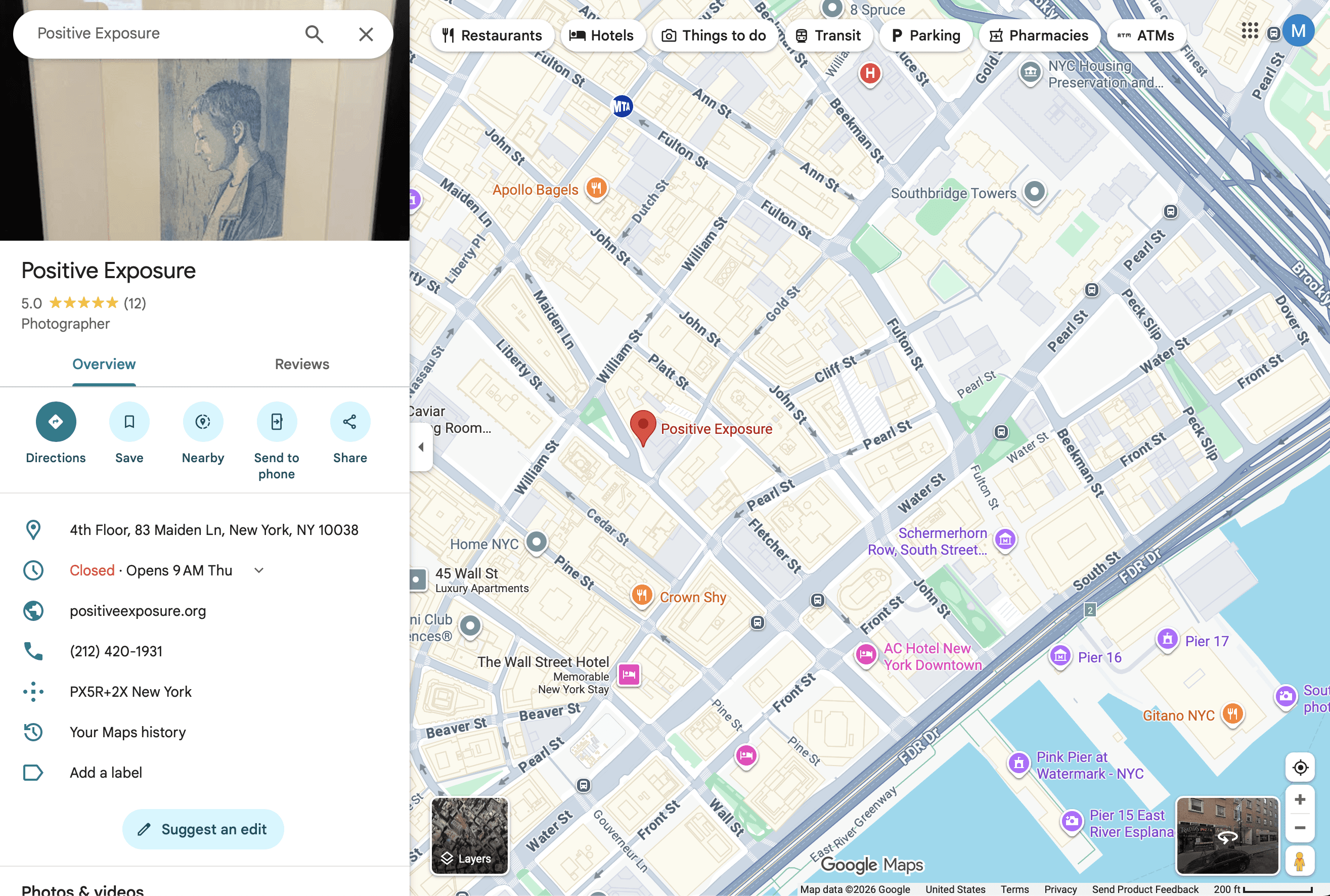
Figure 1: The homepage of Positive Exposure's website
Findings from Google Maps
XXXX
Kickoff Meeting & Field Research
We met with Positive Exposure to understand the gallery's current accessibility effort. Then, I conducted the field research to identify potential friction points by experience navigating to the gallery and within the gallery. The meeting and my field research gave us important context: Positive Exposure was aware of physical accessibility as a priority, but had not effectively documented or communicated it on their website and Google Maps.
Figure 1: The homepage of Positive Exposure's website
Figure 1: The homepage of Positive Exposure's website
Competitor Analysis
I looked at 3 famous museums in NYC to learn …….
The Met
Figure 1: The homepage of Positive Exposure's website
Accessibility Information
XXXXXX
Accessibility Information
XXXXXX
MoMA
Figure 1: The homepage of Positive Exposure's website
Accessibility Information
XXXXXX
Accessibility Information
XXXXXX
Guggenheim Museum
Figure 1: The homepage of Positive Exposure's website
Accessibility Information
XXXXXX
Accessibility Information
XXXXXX
Accessibility Information
XXXXXX
Accessibility Information
XXXXXX
Recommendations
Design Mockup
XXXXXXX
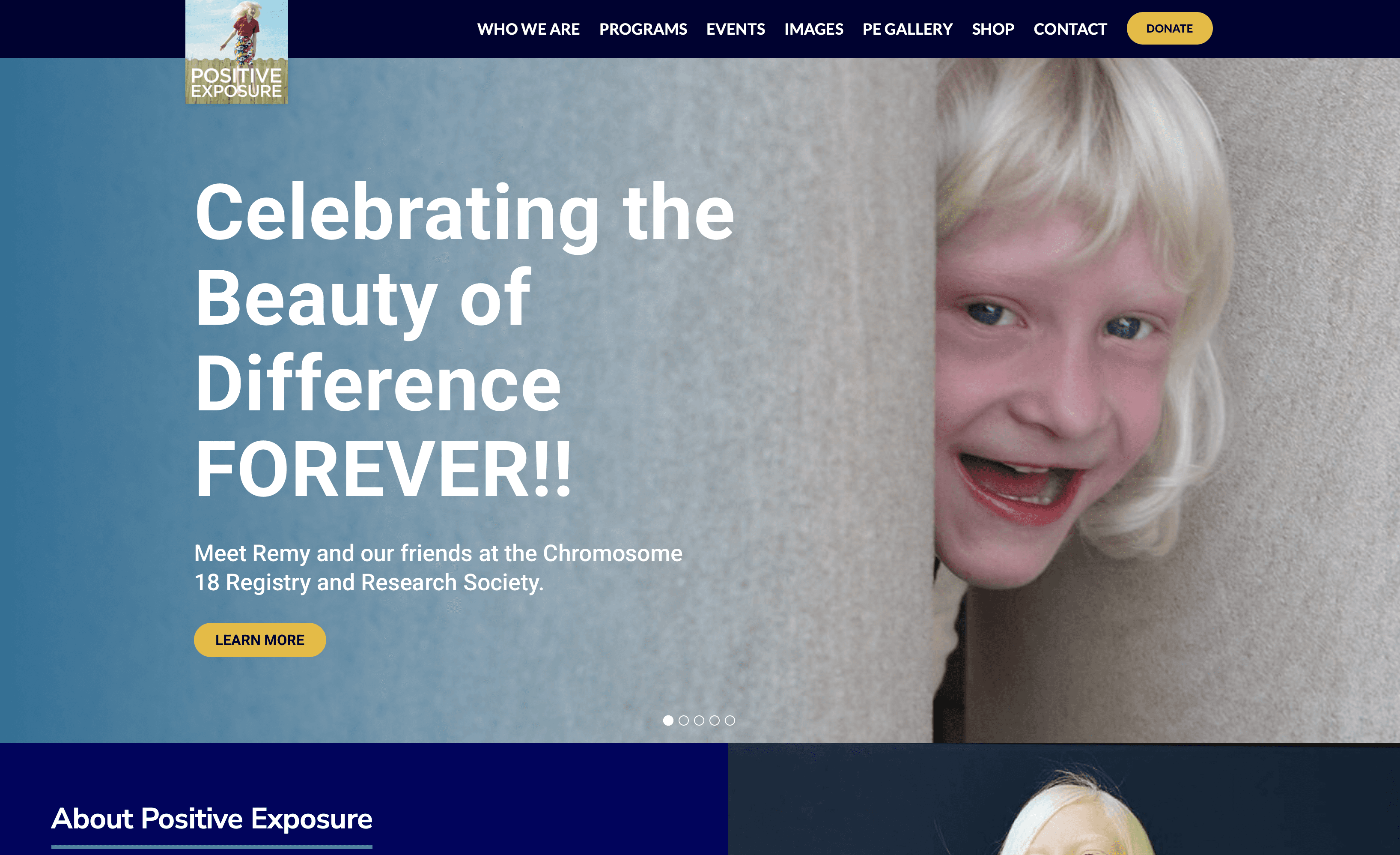
Figure 1: The homepage of Positive Exposure's website
Page 1
Reason for the design….
Figure 1: The homepage of Positive Exposure's website
Page 2
Reason for the design….
Figure 1: The homepage of Positive Exposure's website
Feedback
XXXXXXX
Next Steps
XXXXXXX
Retrospective
XXXXXXX